SYSTEM // LOADING
BIDQUEST // 2026
GRID // 1280px
BIDQUEST // 2026
Zero manual search • 100% Free
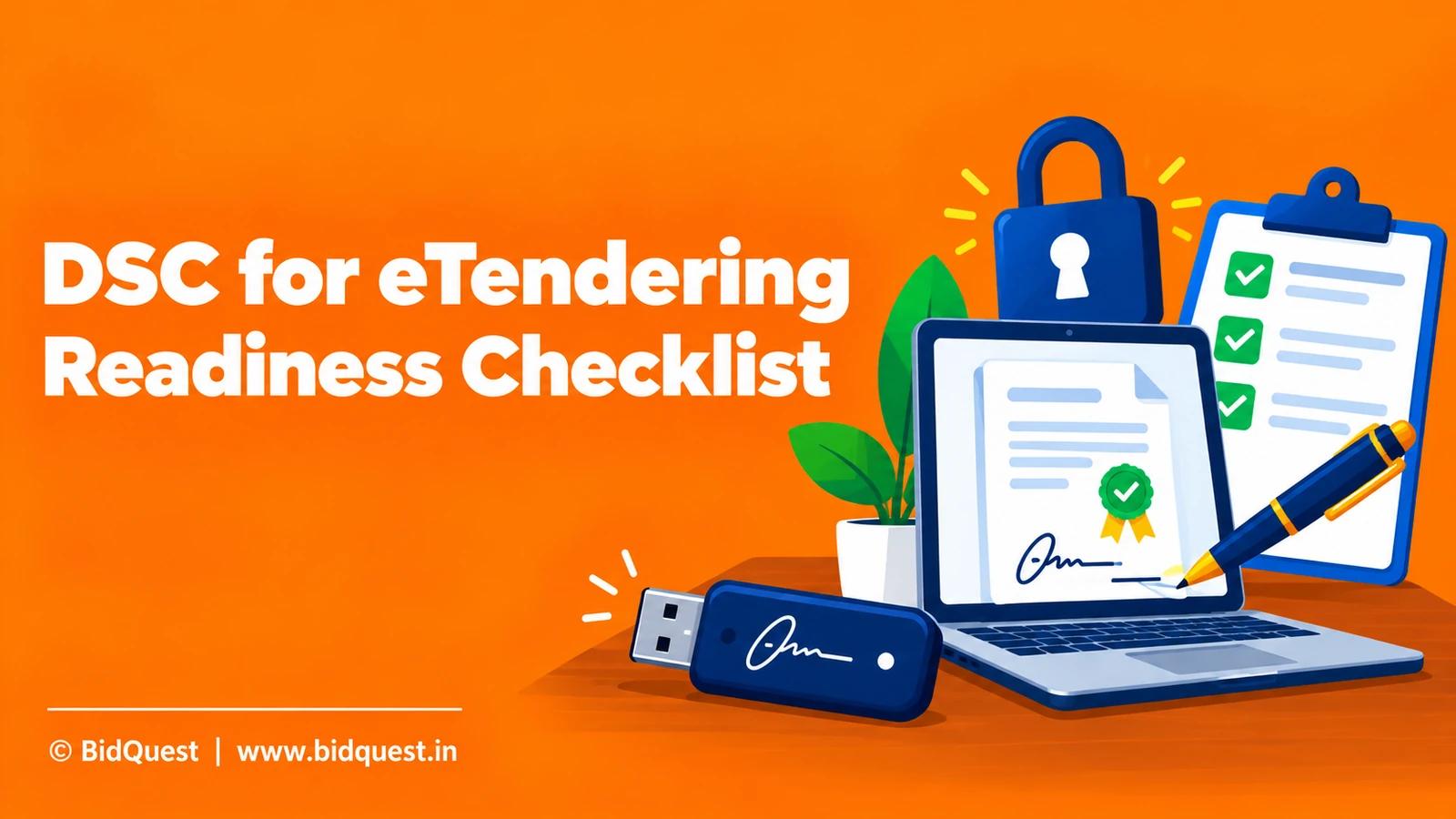
Understand DSC issuance, authorised signatories, certificate validity, secure key handling and portal checks before electronic tender submission.
This guide is educational and uses the official tender and its latest corrigenda as the final source for a live procurement. Rules differ by buyer, category and procurement date. The examples below are fictional and are not advice that a particular enterprise qualifies or will win. The official references were accessed on 10 October 2026.
Start by saving the original notice, all referenced annexures and the latest amendment. Give the bid one stable internal ID so that the technical, commercial and authorised-signatory teams work from the same document version. A source-backed note should state not just what the team believes, but which clause supports that belief and who checked it. If a mandatory requirement remains unclear, use the buyer’s formal clarification process before the permitted cutoff.
The CCA explains that Certifying Authorities issue Digital Signature Certificates to end users, while CCA licenses and supervises those authorities. A DSC is associated with a signer and enables electronic authentication; it is not a generic company password. For eTendering, the portal may require a particular certificate category, organisational association or signing process. Check current portal instructions before buying or renewing a certificate.
Evidence to retain: Record the authorised person, legal entity, certificate provider, certificate expiry and the portal where it will be used. Keep authorisation documents separate from credentials.
Failure to avoid: Do not assume that a certificate used for one government service will automatically satisfy every eProcurement portal.

CCA’s official guidance says applicants should approach a licensed Certifying Authority to obtain a DSC. The provider performs the relevant identity checks and issues the certificate under applicable rules. Compare the required certificate type, validity, hardware or software requirements and support arrangements with the tender portal’s instructions. Avoid relying on an unverified reseller’s promise that a certificate works everywhere.
Evidence to retain: Keep the issuer’s official documentation, payment record, certificate details and support contact. Verify the provider through CCA’s published licensed-CA information.
Failure to avoid: Do not disclose Aadhaar, identity documents or payment details to an imitation site merely because it advertises fast tender signing.
The person holding the DSC must be authorised to sign the particular company’s bid. A proprietor, partner, director or employee may have different supporting documentation under the buyer’s tender. Read the required power of attorney, board resolution or authorisation format rather than borrowing a generic letter. A valid certificate can still be attached to an improperly authorised submission.
Evidence to retain: Map legal entity name, tender bidder name, signer name, capacity and required authorisation annexure. Have the company’s responsible officer approve the final signing arrangement.
Failure to avoid: Do not substitute a colleague’s certificate simply because the original signatory is absent on closing day.

The CCA digital-signature guidance discusses validity at signing time and the risks of insecure private-key storage. Before submission, verify that the certificate has not expired or been revoked and that the authorised signer can access it safely. Store tokens and PINs securely, use approved devices and avoid sending secrets through email or chat. Plan renewal well before a bid deadline if validity is close to expiry.
Evidence to retain: Maintain a certificate calendar with expiry, renewal owner and the next critical bid dates. Keep a secure recovery and support procedure without sharing private keys.
Failure to avoid: A certificate that appears installed on a computer may still be unusable because of expiry, token problems or incorrect signing access.
CPPP’s Bidders Manual Kit lists bidder registration and multiple online submission guides. State portals also publish help resources. Use the exact government portal named in the tender to test login, signing readiness, browser compatibility and document requirements before the last day. The number of bid covers and upload sequence can differ by tender. A successful login does not prove that the final signed bid will be accepted.
Evidence to retain: Make a dry-run checklist: bidder account, certificate detected, signatory mapped, file format checked, required cover identified and helpdesk details saved.
Failure to avoid: Do not test by submitting an incomplete live bid. Use the portal’s permitted readiness checks and official guidance.

Digital signing authenticates an action; it does not establish that the technical offer, BOQ or declarations are accurate. Before the authorised signer acts, technical, finance and compliance owners should approve their sections. Freeze the final versions and provide a document index. The signatory should know which files are being submitted and whether any unresolved deviation remains.
Evidence to retain: Record version, owner, approval date, final filename and tender clause. Preserve the approved document set and the portal acknowledgement.
Failure to avoid: Do not let a bid coordinator silently replace a priced BOQ after finance approval or sign a declaration that has not been reviewed.
If the signing token fails near the deadline, the team may not have time to obtain a replacement and update portal enrolment. Identify the official support path and any permitted alternative signatory arrangement in advance. Do not assume the buyer will extend closing time for an individual bidder’s device issue. A sensible timeline leaves space for certificate renewal, registration checks and internal sign-off.
Evidence to retain: Set an internal cutoff for certificate readiness and document the helpdesk case number if a genuine portal problem occurs.
Failure to avoid: A last-minute workaround that shares another person’s credentials can create security and authorisation problems rather than solve them.
BidQuest is a separate discovery and analysis SaaS. It may help a team identify tenders to investigate, but it is not a Certifying Authority and does not replace government portal signing. Do not give a discovery tool the private key, token PIN, password or OTP needed for official submission. Verify the tender ID and complete the transaction through the government portal.
Evidence to retain: Use BidQuest only for an appropriate discovery action, and keep official signing records with the authorised bidder account.
Failure to avoid: Do not treat a third-party “submitted” label as proof of a legally completed government eTender submission.

A hypothetical engineering company plans to bid on a two-cover tender. Its finance director has a valid DSC, but the tender names a different authorised signatory under the board resolution. Rather than sharing the director’s token, the team checks the tender’s authorisation requirement and official portal instructions, arranges the correct signing setup and tests access three days before its internal cutoff. Technical and finance approve frozen files, and the authorised signer retains the official acknowledgement. The timeline is illustrative, not a portal service guarantee.
The example is deliberately simplified. In a real bid, replace every assumption with the current notice, the relevant attachment, the applicable portal instructions and an approved cost or eligibility record. If a crucial fact cannot be verified, mark it as unresolved rather than turning it into an apparent rule.
| Review field | What the team should enter | Why it matters |
|---|---|---|
| Official tender | Buyer, ID, original URL and date accessed | Prevents decisions from stale copies |
| Requirement | Exact clause, annexure and version | Makes the decision auditable |
| Evidence | Certificate, quotation, calculation or official response | Separates proof from assumption |
| Accountable owner | Named technical, finance or signatory reviewer | Prevents an unowned gap |
| Decision | Pass, fail, unresolved or next action | Supports a reproducible bid decision |
| Recheck trigger | Corrigendum, deadline, cost or capacity change | Keeps the conclusion current |
The table is an internal management tool, not a government-prescribed form. For consequential legal, labour, financial or exemption questions, have a qualified reviewer assess the current rules and contract. Do not attach an internal score to a government bid as if it were official certification.
Before approving effort or a submission, ask whether the team has checked the latest official version, whether each mandatory condition has a cited answer, whether delivery capacity and financing have been tested, and whether the authorised signatory knows what remains uncertain. Check that the price assumptions match the same scope version as the technical proposal. Record which colleague must act if a new corrigendum appears. A clear “not yet verified” is more useful than a confident but unsupported tick mark.
For small teams, a fifteen-minute review with the notice open can prevent days of rework. One person should read the requirement aloud, another should point to the evidence, and the owner should confirm the commercial consequence. If nobody can locate the supporting clause, keep the issue open. After the decision, store the signed review note beside the actual bid files so a later team member can reconstruct why the bid was pursued or rejected.
BidQuest is an independent tender-discovery and analysis SaaS, not GeM, CPPP, a state eProcurement portal or a government procurement authority. Its public website presents tender discovery as a service. A business may use BidQuest’s verified public homepage as a starting point to explore opportunities, then check the original buyer notice and every formal amendment on the official portal. This article does not claim automatic eligibility, bid submission, fee exemptions, guaranteed wins or verified coverage of every procurement.
The relevant next step is modest: use a discovery tool to locate opportunities worth examining, then make the qualification and submission decision from official records. Keep login credentials, digital-signature private keys and one-time passwords within the authorised government-portal workflow.
CCA licenses and supervises Certifying Authorities; end-user certificates are obtained from licensed CAs.
Do not assume so. Check the portal’s current accepted signing requirements.
No. It authenticates signing; eligibility depends on the tender and submitted evidence.
No. Keep signing credentials and private keys secure with the authorised signer.
These primary sources support the general procedure described above. They do not verify the eligibility, pricing or deadline of any individual live tender. Source sections and the access date are preserved in the accompanying source pack.
Digital Signature: Official Questions and Answers (Controller of Certifying Authorities), Digital Signature FAQ: certificate validity, private key custody and verification; accessed 2026-10-10.
How to Avail Services under the India PKI Framework (Controller of Certifying Authorities), Digital Signature Certificates: licensed Certifying Authorities and issuance; accessed 2026-10-10.
CPPP Bidders Manual Kit (National Informatics Centre / CPPP), Rows 3 Registration; 5 Online e-Bid Submission; 7 Re-submission; 8 Clarifications; 10 BoQ; accessed 2026-10-10.
Final check: Reopen the official tender, check all amendments and obtain the required internal approval before acting. This draft is not published and is not a government notice.
Controller of Certifying Authorities. Accessed 10 Oct 2026.
Controller of Certifying Authorities. Accessed 10 Oct 2026.
National Informatics Centre / CPPP. Accessed 10 Oct 2026.
Learn how to read government tender documents in India: NIT, eligibility, technical specifications, BOQ, EMD, evaluation, corrigenda and submission checklist.
Read the guide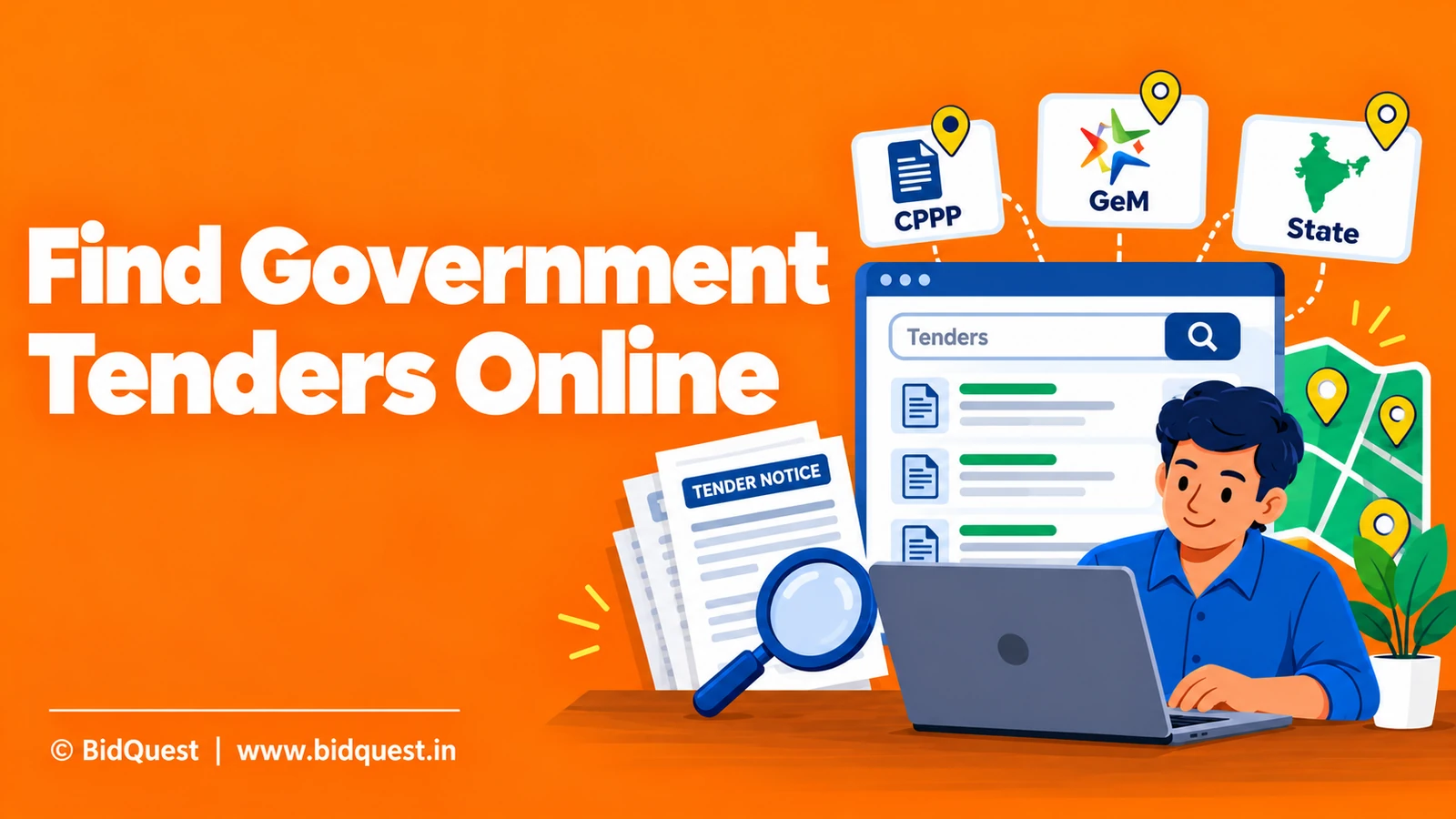
Learn how Indian MSMEs and contractors can find government tenders on CPPP, GeM and state portals, shortlist relevant notices and track corrigenda.
Read the guide
Provisional accounts are acceptable only if the applicable tender requirements permit them on the relevant basis.
Read the guide