SYSTEM // LOADING
BIDQUEST // 2026
GRID // 1280px
BIDQUEST // 2026
Zero manual search • 100% Free
Learn how Indian MSMEs and contractors can find government tenders on CPPP, GeM and state portals, shortlist relevant notices and track corrigenda.
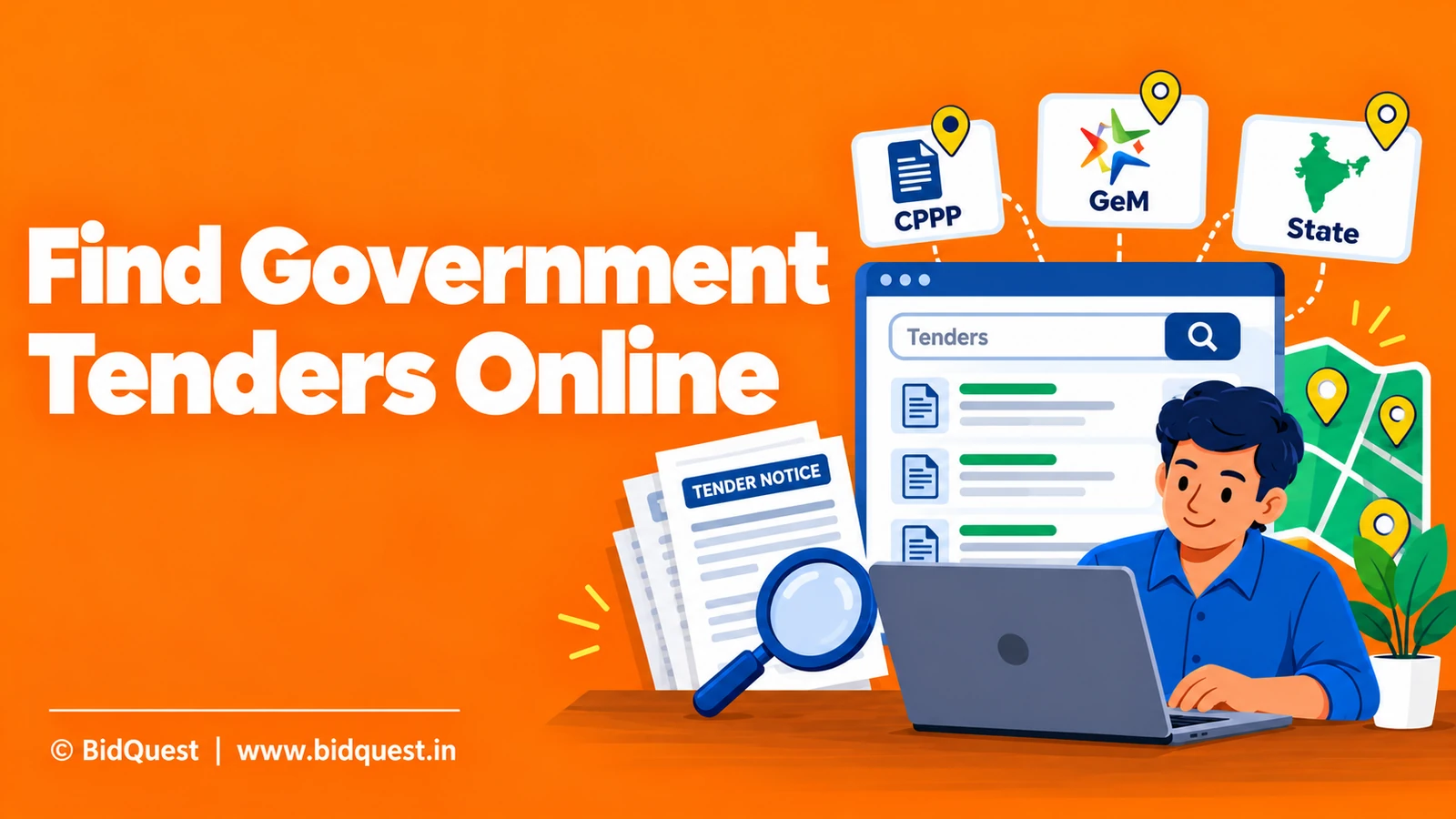
Finding a government tender is different from being ready to bid on one. The first task is discovery: identify a genuine notice for work your company can deliver. The second is qualification: decide whether your experience, registrations, financial position, technical capacity and available time match the published requirements. The third is action: prepare and submit documents using the buyer's instructions and authorised platform.
A small manufacturer, a construction contractor and an IT services MSME will rarely use precisely the same search terms or need precisely the same notices. An effective discovery routine must therefore combine official sources, thoughtful filtering, and a repeatable review process. This guide focuses on those practical steps, rather than claiming that one website carries every opportunity in India.
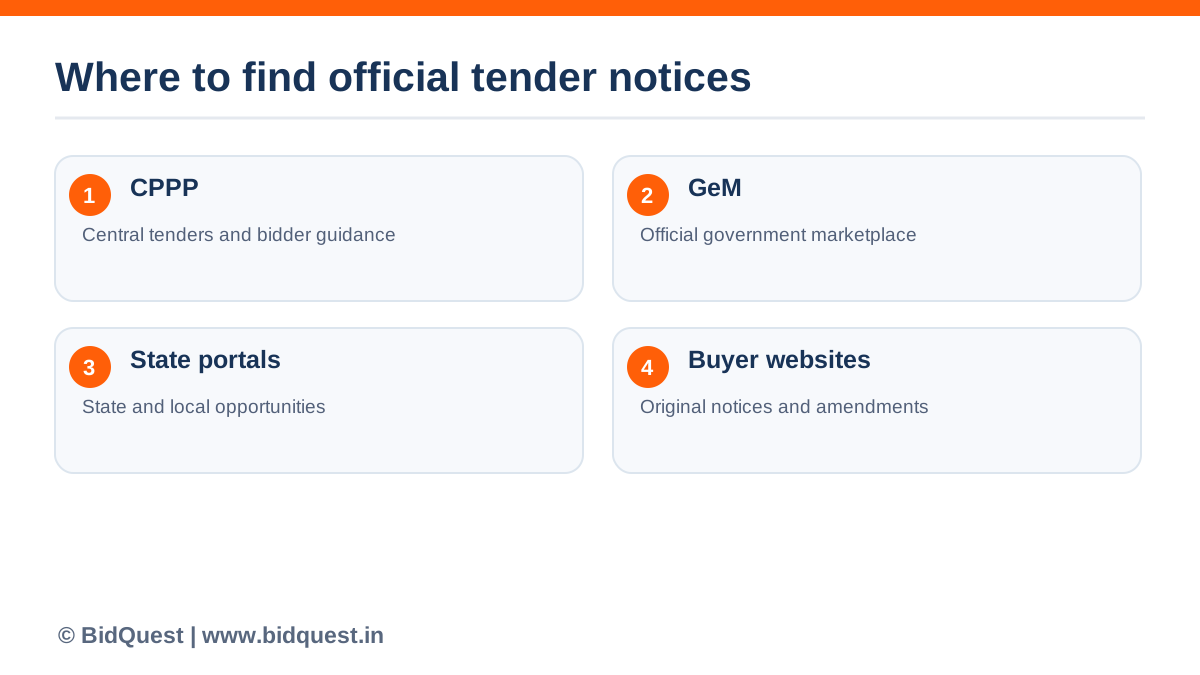
Start with the original government listing whenever possible. For central procurement, the CPPP eProcurement system is an important entry point. It displays published tenders, lets users search notices and links to bidder guidance. The official portal explains that bidders can download tender schedules and submit bids online through the system, where applicable.
The Government e-Marketplace is another important procurement channel for goods and services. The exact opportunities, bidding actions and account requirements vary by procurement. Do not assume that finding a tender on a third-party search website means you can submit it there.
States, public-sector enterprises, local authorities and individual departments may have their own procurement portals or notices. If a result points to a departmental website, verify that it is genuinely controlled by the issuing organisation and that its tender documents are the latest versions.
| Source | Useful for | What to confirm before acting |
|---|---|---|
| CPPP eProcurement | Notices and online tender activity on the portal | Tender reference, buyer, attachments and submission route |
| GeM | Procurement opportunities conducted through GeM | Relevant bid, seller conditions and current portal workflow |
| State e-procurement portals | State and local public procurement | Correct state portal, department and closing date |
| Buyer or public-sector enterprise website | Department-specific notices and updates | Original notice, amendments and linked tender portal |
| BidQuest | Additional discovery and shortlist research | Open and verify the underlying official tender before bidding |
This table is a navigation guide, not an assertion that every government entity posts on each platform. Always follow the procurement notice's stated method.
Avoid searching only for a broad phrase such as “government tender”. Make a list of specific products, services, locations and acceptable contract sizes. If you supply office chairs, potential search terms might include “office chair”, “furniture”, “seating”, “modular furniture” and relevant technical synonyms. A service provider might use “facility management”, “housekeeping”, “maintenance” and the exact service category it performs.
Create a simple profile with six fields: your product or service keywords, sectors served, states or districts covered, approximate delivery capacity, preferred contract types and mandatory certifications already held. You can add buyer names from your previous sales experience. This profile will make both manual searches and saved searches more consistent.
Do not confuse a keyword match with eligibility. A tender mentioning a product you sell could still require a different standard, a particular installation capability or prior supply experience. Treat a search result as a lead that must be evaluated.
Open the official CPPP eProcurement portal. The portal exposes search and advanced-search functionality, tender listings, closing-date information and corrigendum notices. Interface labels may change, so use the current page rather than an old screenshot as your instruction source.
Try a search based on your product description. Then repeat using a shorter category term, a known government buyer and a preferred location. Searching “solar street light installation” may produce a different set of results from “solar light” or “street lighting”. Neither query should be assumed complete.
Review at least the title, reference number, organisation, closing date and attachments of each promising result. Then open the notice itself. Record the exact tender ID or reference number; a generic title alone may not distinguish revisions or similar tenders issued by different buyers.
The CPPP Bidders Manual Kit lists separate guidance for registration, document uploads, online submission, withdrawal, resubmission and BOQ preparation. This matters because discovery and submission are distinct tasks. A business can browse an opportunity before it has completed everything necessary to submit a compliant bid.
GeM is particularly relevant to many suppliers and service providers selling to public buyers. Research the official GeM website and use its current seller and bid-participation guidance for the task you need to complete. A notice appearing in a general search result may not tell you whether the opportunity is conducted as a direct purchase, bid or another permitted process.
If your business is new to GeM, separate the tasks of creating or maintaining a seller profile, listing eligible products or services, finding opportunities and participating in individual bids. Keep registration guidance distinct from the bid's eligibility and commercial requirements.
Our published GeM registration fees guide explains the distinction between official registration and optional consultant charges. It does not replace current GeM instructions or the conditions of a particular bid.
A firm that can work in Rajasthan, Maharashtra or Karnataka should not assume all relevant opportunities will be visible through one national keyword search. Identify the state portals and public bodies aligned with your service area. Search using both your product category and the buyer's language.
For example, a contractor may find similar work described as “civil maintenance”, “repair works”, “renovation”, “strengthening” or “upgradation”. A supplier may see category names based on the government buyer's internal nomenclature. Build a small synonym list and update it as you see how buyers describe their needs.
When a state or departmental notice links to a different submission platform, record the authoritative URL. Be alert to lookalike domains and sites charging for information that the department makes public. The original buyer notice and procurement portal remain your reference points.
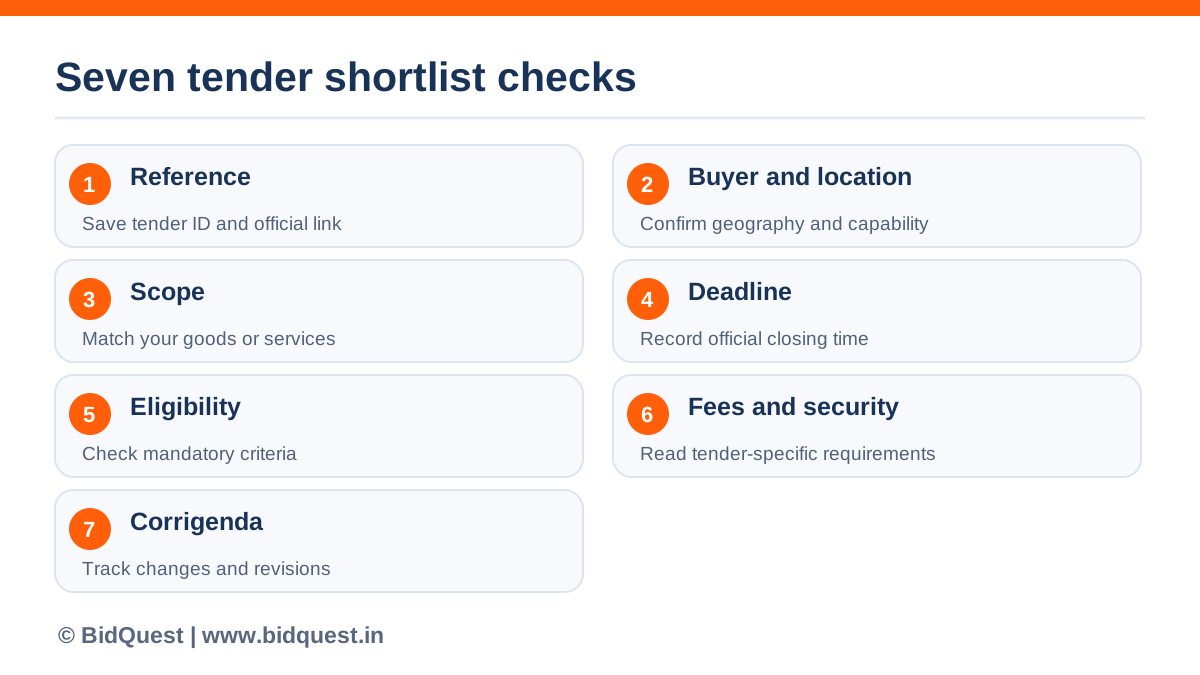
A useful tender shortlist should answer whether the opportunity deserves a deeper review. Use a quick screening sheet with the following fields.
| Shortlist field | Question to answer | Action |
|---|---|---|
| Tender reference | Can we find the original notice again? | Save official URL and reference |
| Buyer and location | Can we serve this buyer and delivery site? | Record department and place |
| Product or scope | Does it match our actual capability? | Compare with catalogue or services |
| Deadline | Is there enough time to prepare? | Record current published cutoff |
| Eligibility | Is there a mandatory condition we cannot meet? | Escalate or reject |
| Security and fees | What applies under this specific notice? | Check amounts and any formal relaxation |
| Amendments | Has the notice changed? | Log last checked date and revision |
A simple working classification is review, clarify or reject. Review means the notice appears promising. Clarify means a consequential issue remains unresolved. Reject means a mandatory condition, geography or scope is clearly incompatible. Keep a short reason for rejection so that a colleague does not repeatedly reopen the same lead.
Search listings are summaries. Detailed tender documents contain the binding requirements. Download the NIT, instructions to bidders, eligibility conditions, specifications, BOQ, forms and contract clauses. Review these as a set, not as isolated screenshots.
Look for requirements tied to turnover, similar experience, certifications, manufacturer authorisation, delivery capacity, location or particular technical standards. Such requirements are tender-specific; they cannot be inferred from a generic search listing or MSME registration alone.
Our step-by-step guide on how to read a government tender document provides a fuller evaluation method. The Department of Expenditure also publishes procurement manuals, including the Manual for Procurement of Goods, Second Edition 2024, as general official background for central government procurement. Those manuals must still be read alongside the actual tender's terms and any applicable current instructions.
A promising listing can become outdated quickly. The issuing authority may publish a corrigendum that changes eligibility, scope, submission instructions or the bid deadline. The CPPP portal exposes corrigendum information. Check it when first shortlisting an opportunity and again before making final submission decisions.
Maintain an amendment log showing the tender reference, amendment date, changed section, action required and team member responsible. If a clarification changes the BOQ or technical scope, ensure the estimate and document checklist are updated together. Avoid manually changing a tender-supplied BOQ format unless authorised.
Never rely on an assumed deadline extension. A buyer's informal conversation or an old listing is not a substitute for a formally published amendment.
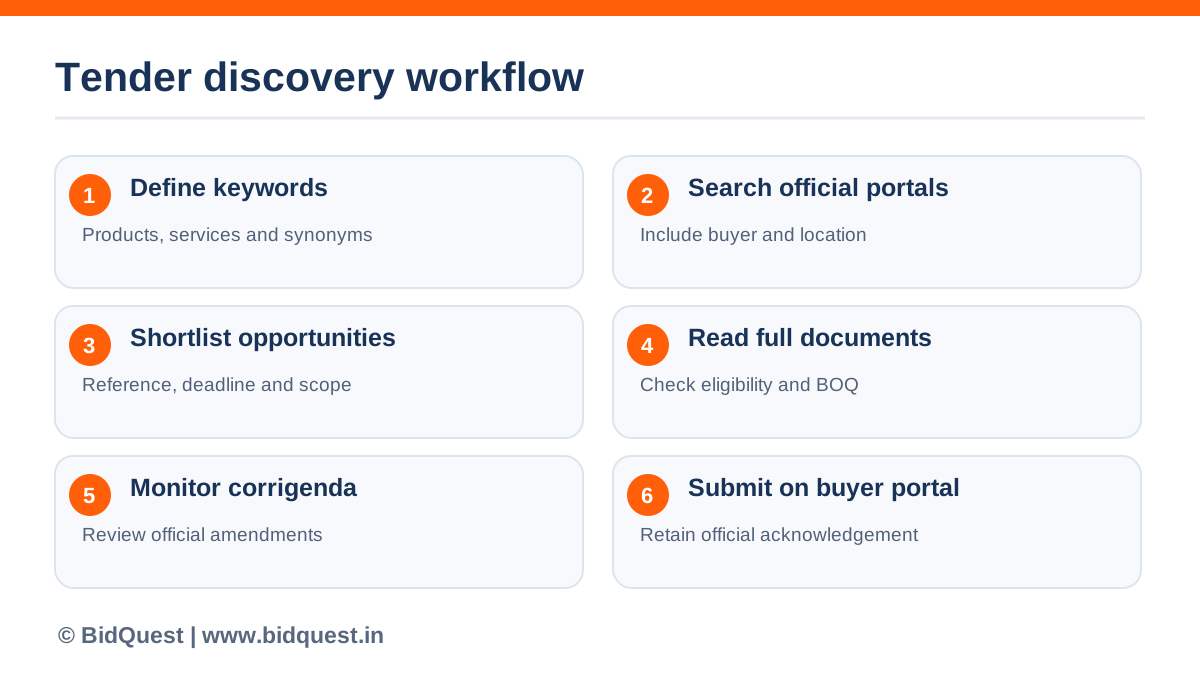
A practical routine can be short without being superficial. Set aside a defined time for new searches, shortlist review and deadline monitoring. Assign responsibility explicitly. If five people each assume someone else checked the corrigenda, the team has no reliable check at all.
A daily process might include: search by core and alternate keywords; check previously shortlisted buyers; review newly posted amendments; mark expired or unsuitable results; and send the best opportunities to the person who decides whether to bid. Track what was reviewed and when.
Weekly, revisit your keyword list. If relevant results consistently use an unfamiliar technical term, add it. If a term produces mostly unrelated procurement notices, narrow it with a product specification, location or buyer category.
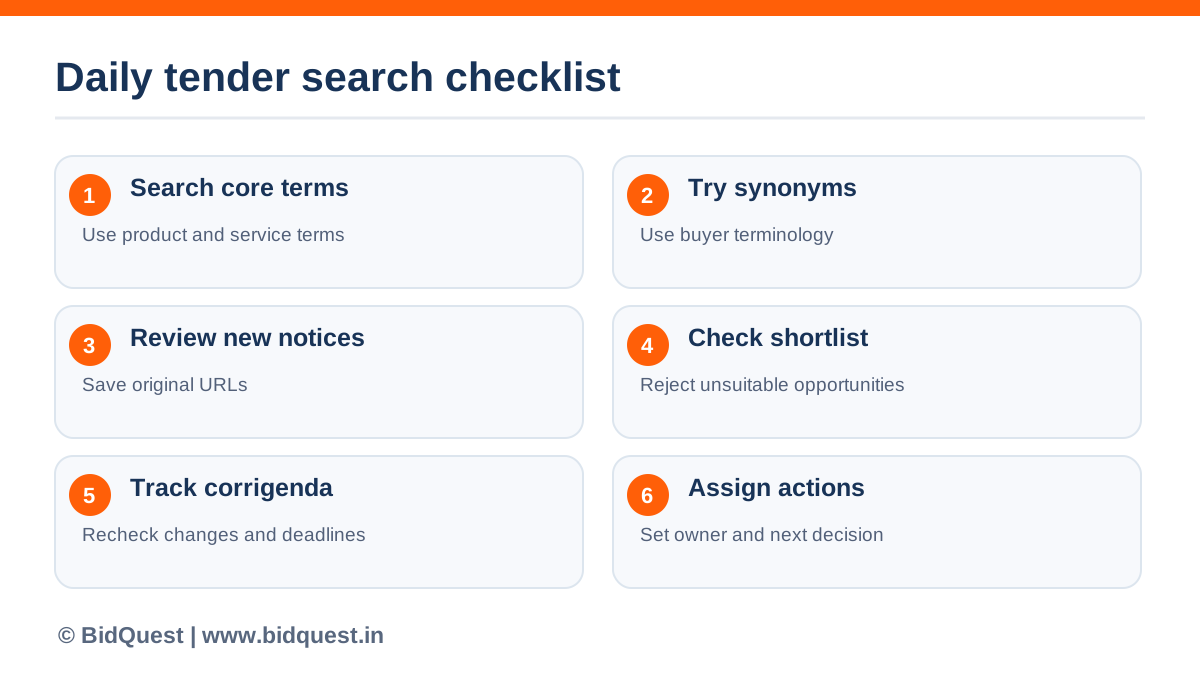
BidQuest is a SaaS product, not a government procurement authority. Its tender search page is a useful additional place to research opportunities while your team develops a repeatable sourcing workflow. Treat any result as a lead and verify it against the original notice on the relevant government or buyer portal.
That distinction matters. Use BidQuest for the product experience it actually provides, and use the official procurement channel for registration, clarifications, required payments, digital signatures, submission, acknowledgement and subsequent contract actions. A third-party discovery tool cannot override a tender's wording or guarantee that you qualify or win.
A good brand-assisted workflow remains reader-first: discover an opportunity, verify its source, check your qualification, prepare the bid and submit through the designated official channel. Each step has a different purpose.
Imagine a manufacturer serving Jaipur and nearby districts. It produces desks, chairs and storage units for schools and offices. The team starts with “school furniture” and “office chair”, then adds “classroom desk”, “laboratory stool”, “steel almirah” and known buyer departments.
Three notices appear promising. The first has a convenient delivery location but calls for a product standard the manufacturer cannot document. The second matches the catalogue but closes too soon for the required samples and supporting evidence. The third offers a feasible delivery schedule and an apparently relevant scope. The team saves the third notice's official URL and downloads the full documents.
Further review finds a mandatory experience statement and a delivery-installation obligation. The manager assigns the sales team to verify experience documents and operations to cost delivery and installation. The team checks for amendments before making a go/no-go decision.
This example is hypothetical. It shows why a good tender search is not simply a list of keyword hits: the shortlist gets better as the team learns what the buyer actually requires.
You can begin with public information on official procurement portals such as CPPP and relevant government buyer websites. Specific registration, bidding or document-related obligations depend on the platform and tender. Check current portal instructions rather than assuming every procurement step is free.
No. They are different government procurement platforms with distinct workflows. The buyer's published notice determines where a specific tender must be acted upon.
Not automatically. Eligibility, technical capacity, documentation and any expressly applicable relaxations must be assessed against that tender's conditions.
Locate the original notice on the issuing government organisation's official website or designated procurement portal. Compare the tender reference, buyer, dates, amendments and instructions. Do not send payment or documents based solely on an unsolicited message.
This guide does not make that claim. BidQuest is presented here as an additional tender-search option. For official submission, use the procurement portal specified in the tender notice.
Finding more tenders is only useful if you find the right ones. Search official sources regularly, vary the keywords to match buyer language, apply a written shortlist, verify full tender documents and track corrigenda. Use the BidQuest tender search as an additional discovery route, and keep the official portal as the source of truth for bid requirements and submission.
National Informatics Centre / CPPP. Accessed 9 Oct 2026.
National Informatics Centre / CPPP. Accessed 9 Oct 2026.
Department of Expenditure, Ministry of Finance. Accessed 9 Oct 2026.
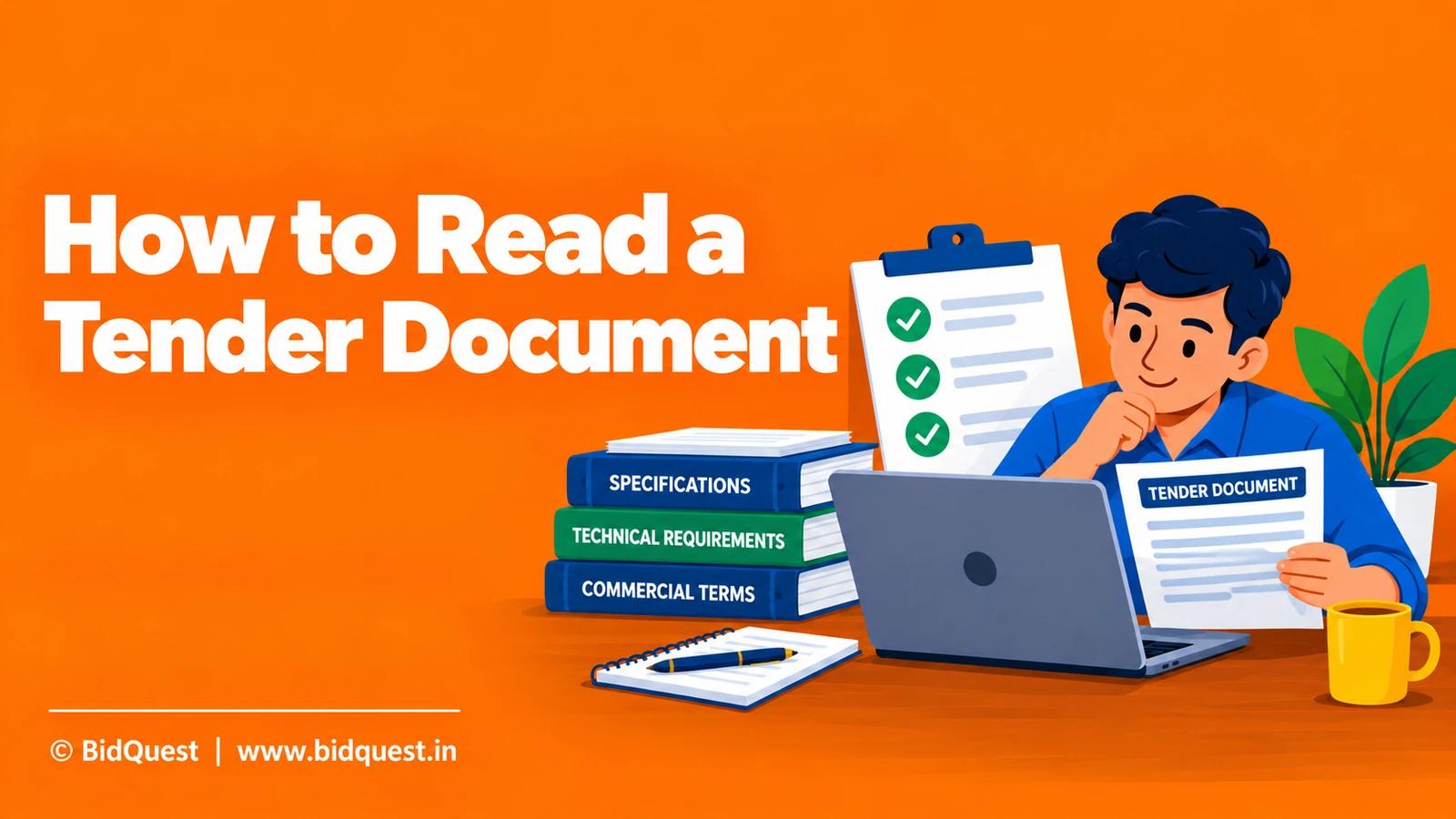
Learn how to read government tender documents in India: NIT, eligibility, technical specifications, BOQ, EMD, evaluation, corrigenda and submission checklist.
Read the guide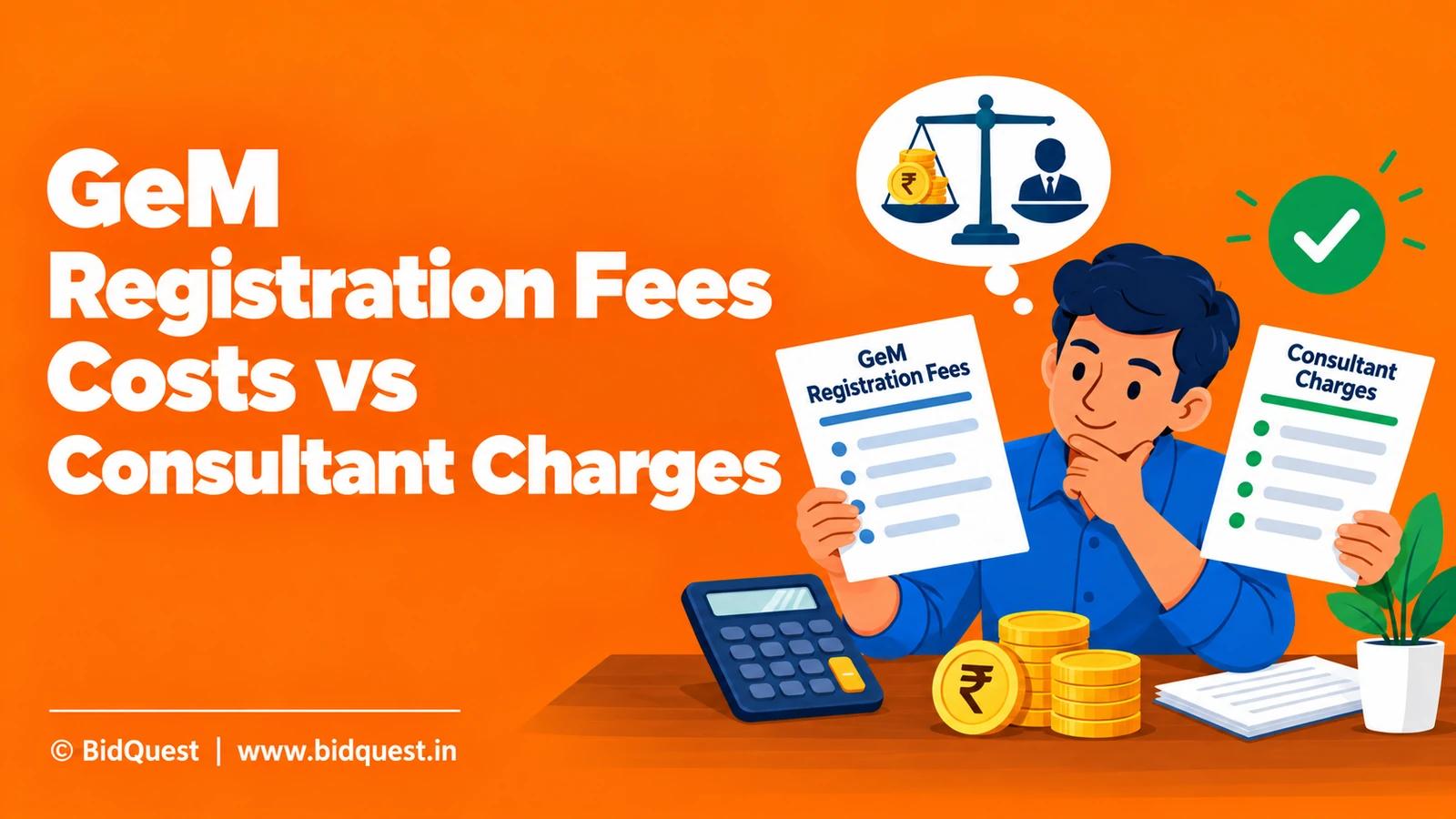
Learn how to separate official GeM registration costs, other platform obligations, and optional consultant charges before paying for assistance.
Read the guide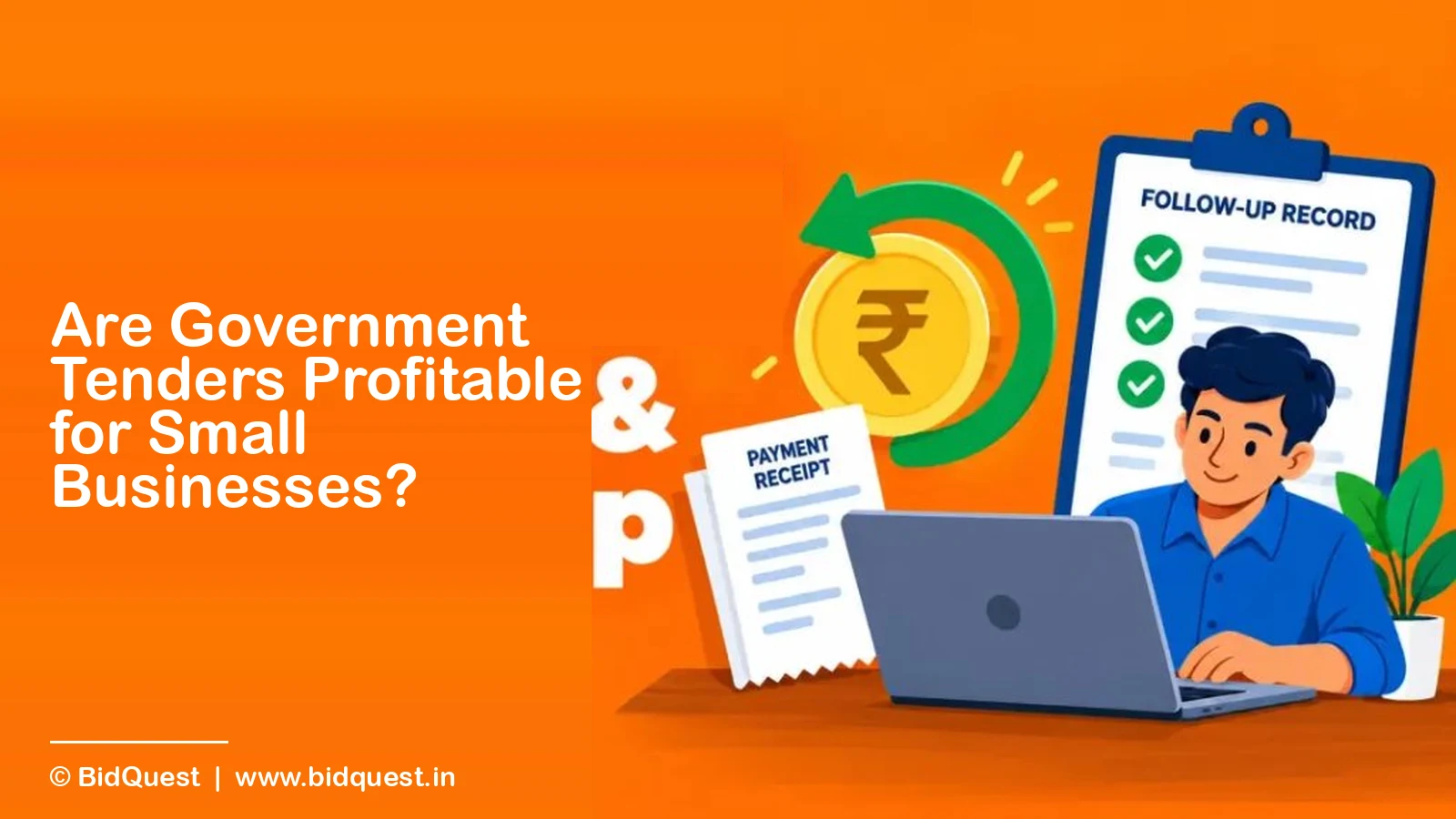
Government contracts can be commercially viable when the accepted price covers the complete obligation, financing needs and allocated risks.
Read the guide