SYSTEM // LOADING
BIDQUEST // 2026
GRID // 1280px
BIDQUEST // 2026
Zero manual search • 100% Free
Use a practical GeM product catalogue quality checklist to check specifications, product identity, evidence, pricing and bid readiness before offering goods.
This guide is written for Indian suppliers, contractors, MSMEs and bid teams who need a repeatable decision process, not a shortcut around the buyer's rules. The issuing department's live notice, attachments, amendments and portal instructions control every submission. A general procurement manual explains a framework; it does not replace a particular tender. The examples below are hypothetical training examples, not quotations from real government bids.
The main question is GeM product catalogue checklist. The answer depends on the exact procurement type, buyer, category, and tender wording. Keep a copy of the original tender with its version and publication date, note the clause number beside every decision, and ask the buyer through the permitted clarification channel where a requirement is unclear. Do not infer eligibility, price preference, contract award, or portal acceptance from this guide alone.
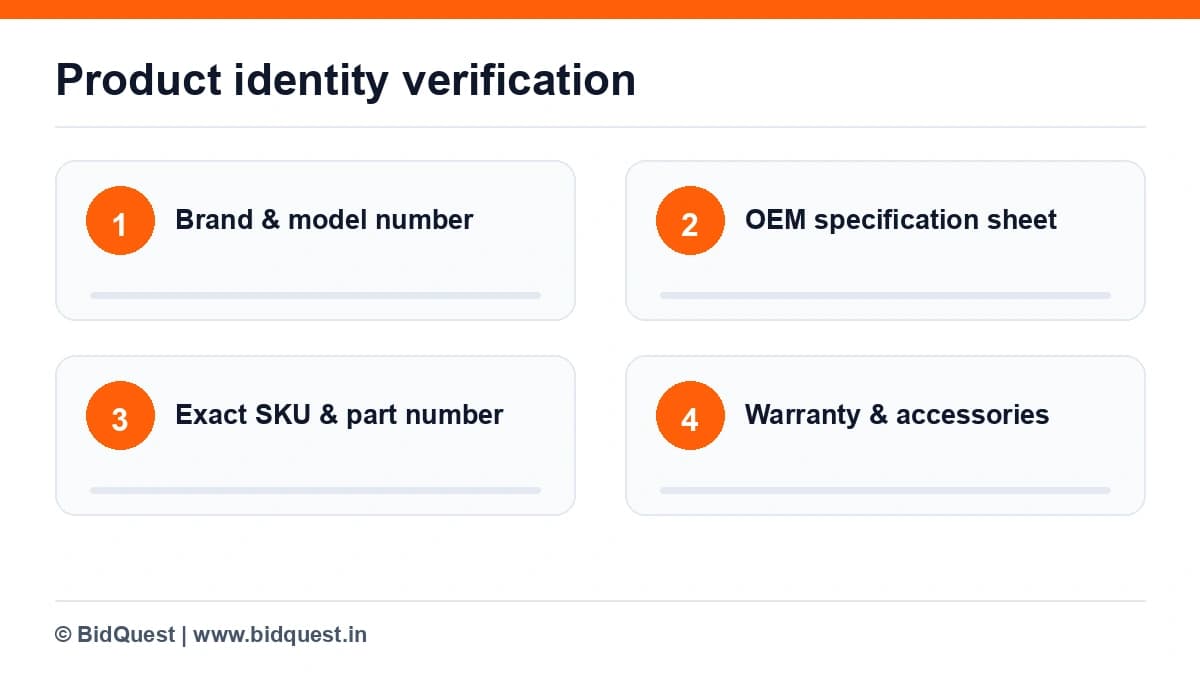
A catalogue entry should identify a real item that can be supplied in the stated configuration. Build a master record with brand, model, manufacturer, part number, variant, dimensions, included accessories and the actual warranty promise. Compare that record with the manufacturer's current specification sheet. A photograph of a similar-looking item cannot establish compliance with a particular voltage, interface, capacity or certification. If the product has multiple revisions, capture the revision code. This matters especially for electronics, safety equipment and industrial components, where a small suffix may represent a different specification. Ask the operations team to sign off the item record before sales uploads it. The GeM Seller Journey contains a dedicated Catalogue Management course; use the live course and portal instructions for the exact entry process.
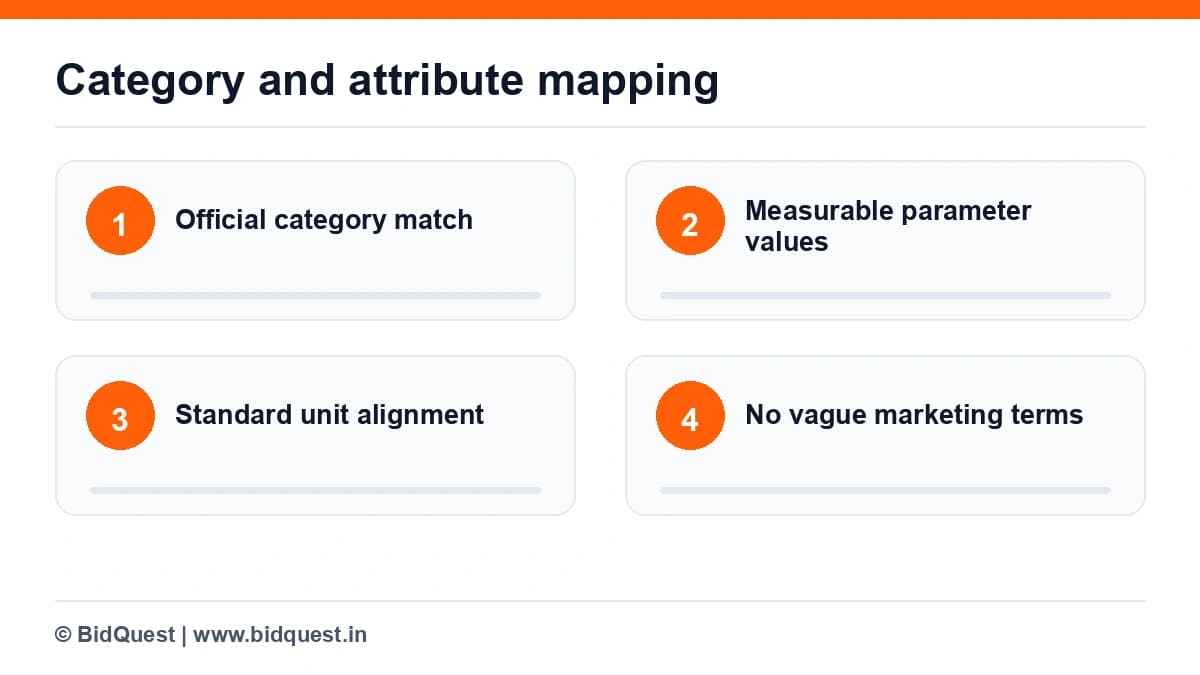
The most common internal shortcut is choosing the closest category without reading all attributes. That can make an offer appear comparable while concealing a genuine difference. Create two columns: the attribute GeM asks for and the value supported by the product datasheet. Do not substitute a marketing term such as "high performance" for a measurable value such as power consumption, operating range or rated capacity. For an attribute with units, write the unit beside the number. For an attribute that is conditional, note the condition. When a required category field does not describe the item accurately, pause and follow the portal's official support or category guidance rather than entering an invented value. A clean catalogue helps the buyer compare products; it does not license you to bypass category rules.
Photographs should show the actual model and its important physical characteristics, not an aspirational render with accessories that are not included. Establish a photo checklist: front, back or connection side, label plate if relevant, packaging where useful, and a close view of distinctive components. Remove personal data, competitor watermarks and misleading promotional badges. Do not paste a government emblem or an approval seal into your own artwork. If a manufacturer supplies official product imagery, verify permission and that the imagery matches the exact SKU. A buyer may use images to understand the offer, but technical specifications and bid documents remain authoritative. Keep the original image files and a record of the model photographed so later questions can be answered.
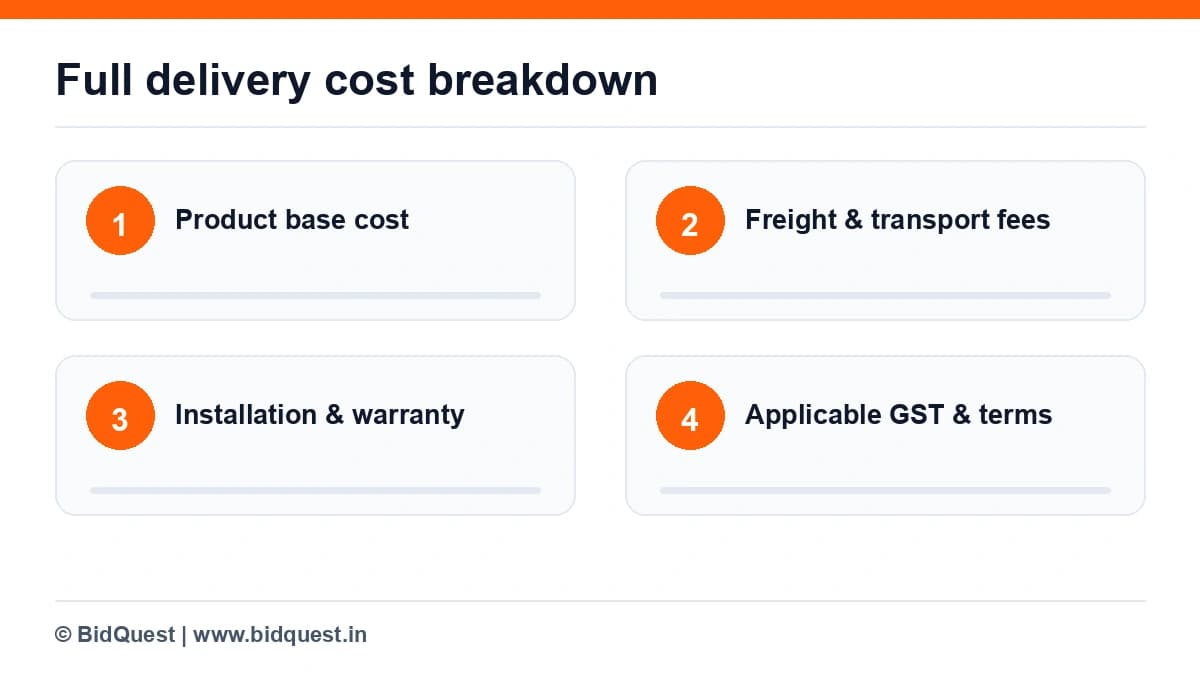
A catalogue price is not simply a distributor purchase price plus a margin. Model freight, packaging, installation where applicable, insurance, warranty service, replacement logistics, taxes as instructed by the portal, and the cost of delayed collections. For an industrial fan sold with a mounting kit, a photograph that includes the kit but a price that excludes it creates an avoidable dispute. Write an internal inclusions and exclusions note. Recheck price whenever the manufacturer's list price, transport rate or tax treatment changes. Do not quote a universal GeM fee or transaction charge from an old blog post; consult the live seller account and applicable terms. If the product cannot be supplied profitably at the displayed configuration and price, correct the offer before participating in a bid.
A buyer's bid may add testing, certifications, installation or performance obligations beyond the general catalogue fields. Print the buyer's specification as a separate compliance matrix and map each requirement to evidence. A catalogue match is only the beginning. For instance, a laptop with the requested memory and storage may still miss an operating-system, warranty-location or service-support condition. Record "complies", "needs clarification" or "does not comply" for each row. Where the buyer permits alternatives, explain them only in the manner allowed by the bid. Where alternatives are not permitted, do not assume an almost-equivalent product is acceptable. The official bid, any amendments, and the portal's rules determine what can be offered.
Small sellers often update a product price but forget to update warranty, stock lead time or an accessory description. Use a version log with date, item identifier, changed field, evidence, author and approver. This log is internal; it is not a substitute for the GeM audit trail. Assign one owner for technical truth and another for commercial accuracy. Before a deadline, take a dated snapshot of the item data and the buyer's latest bid. After a manufacturer discontinues a model, stop treating the old listing as an active promise until the permitted replacement workflow is confirmed. A reliable catalogue process reduces internal surprises, especially when multiple people manage different product lines.
A correct product listing does not mean the firm has all registrations, experience, financial documents or bid-specific authorisations a buyer may demand. Maintain a seller eligibility folder separately from the product evidence folder. Product evidence proves what the item is; business evidence supports who is offering it and under what authority. For a reseller, the buyer may request manufacturer authorisation for a particular product or bid. Never create or edit such a letter without the issuer's approval. Also check whether a brand owner has restricted authorised channels. The official GeM seller learning portal provides training categories, but the particular tender and live terms remain the source for participation rules.
The final audit is a comparison exercise, not a fresh data-entry session. Put the latest product master, live catalogue view and buyer's specification next to one another. Ask whether model numbers, units, warranties, taxes, delivery commitments and supporting files agree. Test any promised service arrangement with the actual operations owner. Check for newly issued corrigenda before submitting. If the team finds a mismatch it cannot correct within the portal's permitted workflow, escalate it as a bid/no-bid decision rather than hoping it will go unnoticed. Save the evidence used to reach the decision so the team can answer post-bid clarification without reconstructing the facts.
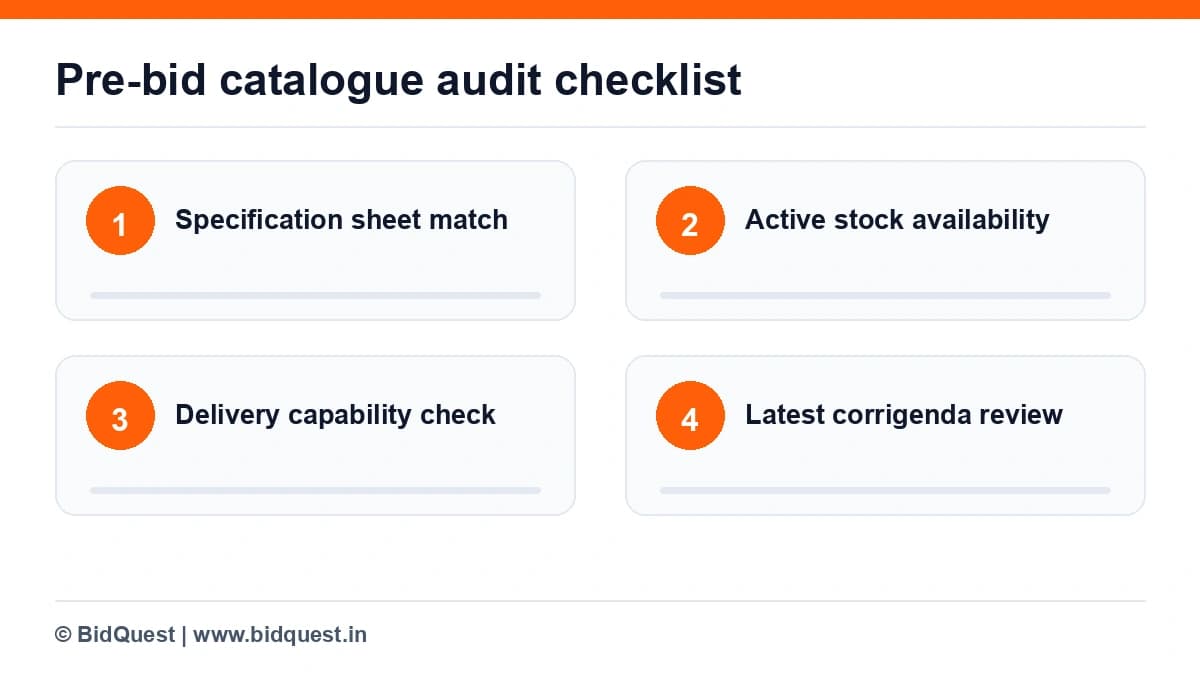
A hypothetical Pune-based supplier lists a 5 kVA stabiliser. Its brochure describes a 160-260 V input range, but the catalogue field says 140-280 V because someone copied a value from a higher-end variant. The buyer's bid requires at least 150-270 V. The team must not assume the brochure is close enough or silently replace the evidence. It first checks the exact model and manufacturer's confirmation, then corrects any inaccurate catalogue data through the allowed portal process. If the actual model cannot meet the buyer's minimum range, the offer should not be presented as compliant. A second review finds that delivery to a remote district adds ₹2,400 and the quoted warranty includes on-site support. Those costs belong in the margin calculation. The lesson is that catalogue quality, technical eligibility and commercial viability are three separate checks.
| Review point | Evidence to inspect | Practical decision |
|---|---|---|
| Product identity | Manufacturer datasheet and SKU | Reject unsupported model claims |
| Specification match | Bid matrix and catalogue attributes | Clarify or decline a noncompliant item |
| Commercial accuracy | Freight, warranty, tax and price worksheet | Update quote only through allowed process |
| Images | Original product photographs | Remove misleading accessories or marks |
| Revision control | Change log and portal snapshot | Recheck before bidding |
A table is a decision aid, not a substitute for the actual document. Write the tender reference, clause and amendment date against every row in your working copy. If a requirement cannot be verified, mark it unresolved and assign an owner; do not quietly treat it as satisfied.
Treat the checklist as a living record. Assign each line to one person, attach the source file, and record when it was checked. On the final submission day, re-open the official portal to confirm whether a corrigendum, revised schedule, or changed attachment supersedes your saved copy. Keep the submission acknowledgement or contract communication in the tender folder.
The first mistake is confusing a helpful summary with an authoritative instruction. Search results, aggregator cards and internal spreadsheets may omit exceptions or later amendments. The second is assuming that a rule applicable to central government goods procurement applies identically to works, services, state tenders and GeM bids. The third is allowing the commercial team to quote before the technical owner has confirmed scope and acceptance criteria. The fourth is treating an unsigned internal note as evidence that a buyer accepted a deviation. The prevention is straightforward: cite the live tender clause, preserve the original file, and use written official clarification when necessary.
BidQuest is a private SaaS tender-discovery and review aid, not GeM, CPPP, a state e-procurement portal, or a government authority. Its public website describes tender search and matching features. You can use BidQuest to explore potentially relevant opportunities and then carry out the checks in this article against the buyer's original documents. BidQuest does not issue eligibility certificates, grant exemptions, approve bid documents, submit an official bid for you, or guarantee a tender award. For a useful starting point, see our published guides to finding government tenders and reading tender documents.
Optional next step: Explore tender opportunities on BidQuest, then verify the original notice on the official procurement portal.
No. A buyer may impose additional bid-specific specifications and documentary requirements.
Avoid it. Use accurate images of the offered item and follow current GeM image rules.
Use GeM Seller Journey, Catalogue Management, and the instructions displayed in the live seller account.
Include every obligation the seller actually promises and follow the price format specified by the platform and bid.
The following primary sources were checked on 11 October 2026. The named section or course identifies where to verify the relevant principle. Always check later amendments and the live tender.
Editorial status: draft, not approved for publication. Technical and legal conclusions must be checked against the applicable tender and current government instructions before release.
Government e-Marketplace. Accessed 11 Oct 2026.
Department of Expenditure. Accessed 11 Oct 2026.
Learn how to separate official GeM registration costs, other platform obligations, and optional consultant charges before paying for assistance.
Read the guide
Learn how to read government tender documents in India: NIT, eligibility, technical specifications, BOQ, EMD, evaluation, corrigenda and submission checklist.
Read the guide
Cancellation after acceptance depends on the actual order, applicable GeM terms, authority and reason.
Read the guide