SYSTEM // LOADING
BIDQUEST // 2026
GRID // 1280px
BIDQUEST // 2026
Zero manual search • 100% Free
CPPP and GeM are different procurement systems with their own purposes, accounts and procedures.
Build the submission package from the complete current tender, with each required response assigned to the proper cover or field. Preserve original schedules and keep internal estimates and drafts outside the release folder. Check format, readability, version, authority and any payment dependency before final approval. A document uploaded to storage is not automatically attached to a particular event, and a saved price does not necessarily represent a released offer.
Use the current official workflow and tested supported configuration. Distinguish account enrolment, document upload, validation, signing and finalisation and know what acknowledgement establishes the last required step. If a problem occurs, preserve the precise error, tender reference and time and seek official help early. Do not assume local difficulty guarantees an extension or permits a substitute email submission. The business should be able to reproduce exactly what it released and which process evidence supports that conclusion.
A fictional team completes all files and sees them in its account, but the coordinator cannot locate the final bid acknowledgement. It checks the actual workflow before reporting success and finds that a release action remains incomplete. The example does not prescribe a screen sequence for every system. It demonstrates the difference between having prepared documents and establishing a valid submitted response, a distinction that matters even when the contents themselves have been carefully checked.
| Question | Evidence to review |
|---|---|
| Current instructions | Official record, complete attachments and amendments |
| Approved package | Correct files, covers, prices and authority |
| Technical readiness | Supported access, format and signing configuration |
| Final state | Actual release acknowledgement and submitted version |
Retain a clear handover for clarification or later award work. Do not describe technical receipt as the buyer's certification that every document is correct, or treat an earlier acknowledgement as automatically covering a later edited or resubmitted version.
Use the verified CPPP enrolment route and current bidder instructions to create an account with accurate business and authorised-user details. Complete the required certificate enrolment and validation steps separately from basic signup. Preserve the account identifier and official support information without sharing credentials casually. Registration does not qualify the business for every notice, so read event-specific conditions before bidding. If a source record differs from the application, resolve the actual mismatch rather than select an inaccurate entity type. Test access and the relevant submission workflow in advance; a login that works for document browsing does not by itself establish readiness to release a complete authorised bid.
Use the current official account-recovery or support route for the correct procurement system, verifying the business and authorised user as required. Check existing legitimate enrolment records before creating another account. Do not enter credentials into a forwarded recovery link or share OTPs with an unverified helper. If an agent or former employee controlled the original contact information, address the authority and handover issue through the appropriate process. Preserve the recovery outcome and update internal access records. Recovering an identifier is an administrative step; it does not resolve certificate expiry, account restrictions or event-specific qualification that may independently affect participation.
Reach the official portal independently and follow its current password-recovery procedure using the correct account and authorised contact. Distinguish a forgotten password from a locked, inactive or differently registered account. If the recovery address is unavailable, seek official support with appropriate identity and authority evidence rather than create a misleading replacement identity. Protect passwords, OTPs and signing credentials throughout. After recovery, test the relevant workflow and review who controls the account's notices and future recovery route. Keep the process documented so the business is not left dependent on a consultant's personal phone or email for every time-sensitive procurement action.
Use the actual portal's current profile-update guidance and establish whether the change corrects an entry, reflects a legitimate business update or concerns another legal entity. Different changes can need different evidence and authority. Check dependent tax, bank, certificate and tender records rather than editing one field in isolation. Preserve the original and approved updated position where relevant. Do not assume a profile edit rewrites an already submitted offer or transfers an existing contract. Seek official and appropriate professional guidance for consequential entity changes. The goal is consistent truthful information and continuity, not a quick validation result based on records that no longer describe the bidder.
Open the correct official tender record and download the available notice, work-item documents, schedules and amendments. Preserve tender identity and version information and check the full attachment inventory before relying on the package. Public access and login requirements may differ by document or workflow. If an important file is unavailable, record the gap and use the permitted support route; do not assume it is irrelevant. Historical templates can aid understanding but should not replace the issued schedule. Before final approval, reconcile the working documents with the current official record so eligibility, pricing and submission decisions use the same complete requirement.
Follow the current official workflow for selecting or preparing a response to the exact tender record. Check the tender ID, applicable deadlines and whether an interest, favourite or preparation action is different from final submission. Keep the current document package and approved pursuit decision together before beginning uploads. A tender appearing in the account does not establish that a valid bid has been released or every payment completed. If the expected action is unavailable, review status and instructions and seek official support rather than use an unrelated record. Preserve the acknowledgement appropriate to the actual completed step.
Use the file formats specified by the actual procurement portal and tender, including any issued financial template. Acceptance can depend on the document type and workflow, so do not assume every PDF, spreadsheet or archive is permitted everywhere. Check size, naming, signature and readability requirements before release. Preserve source files and inspect the uploaded version where possible. Conversion should not change quantities, remove evidence or invalidate a required digital signature. If an instruction is unclear, use official guidance or support with the exact requirement. A file opening on your computer establishes local readability, not compliance with the buyer's submission rules or successful receipt.
Check the actual official system and organisational instance identified by the tender rather than assuming similar domain names share every account and workflow. Related procurement systems can have different enrolment or access arrangements. Use current bidder guidance and verify the account needed for the particular submission. Keep website identity, business details and certificate mapping records clear. Do not create unnecessary duplicate accounts solely because a search result shows a different address, or assume an existing login guarantees access everywhere. If the relationship is unclear, use authorised support with the tender reference before committing to a last-minute submission plan.
Test the supported device, browser, token, certificate, account mapping, signing utility, required file formats and payment or submission steps well before closing. Use genuine portal guidance and preserve unresolved errors for support. Also verify authority, approved content and the current document set; technical access cannot cure an ineligible or inaccurate bid. Confirm how the system records final release and where the acknowledgement appears. Plan accountable cover if the authorised operator becomes unavailable. The purpose of testing is to expose realistic dependencies while they can still be resolved, rather than create a checklist whose completion is assumed to guarantee a future submission or award.
The current portal and particular document determine whether download is available without login or requires an enrolled account. Do not infer participation eligibility from successful public access, or assume a login problem means the tender itself is closed. Use the verified official source and current bidder instructions. Preserve the correct notice identity and any access issue affecting the document set. If a critical attachment remains unavailable, seek authorised help rather than substitute an old or third-party version without checking it. Browsing, downloading, account enrolment and final bid release are different steps, each needing the evidence appropriate to the procurement being considered.
These official resources are starting points for checking the applicable process. Confirm the current notice, attachments, corrigenda and portal instructions for your own opportunity. A general explanation cannot establish eligibility, an exemption or acceptance for a particular bid. Historical manuals and registration guides may differ from a current screen or contract.
Explore opportunities with BidQuest. Compare a suitable notice with your documented capability before committing money, approving a price or submitting a bid.
Department of Expenditure. Accessed 7 Nov 2026.
Central Public Procurement Portal. Accessed 7 Nov 2026.
Central Public Procurement Portal. Accessed 7 Nov 2026.
Learn how to read government tender documents in India: NIT, eligibility, technical specifications, BOQ, EMD, evaluation, corrigenda and submission checklist.
Read the guide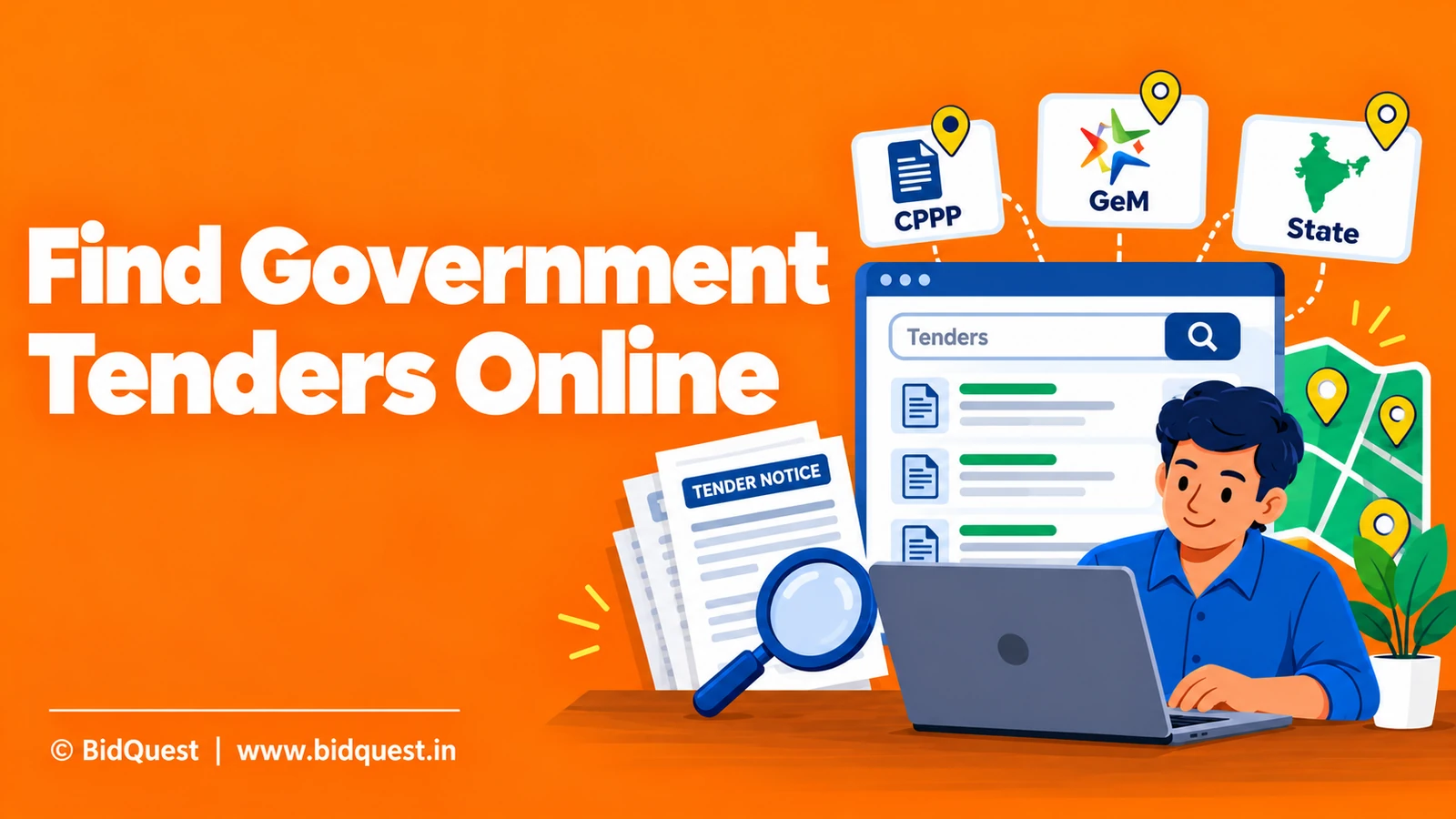
Learn how Indian MSMEs and contractors can find government tenders on CPPP, GeM and state portals, shortlist relevant notices and track corrigenda.
Read the guide
Provisional accounts are acceptable only if the applicable tender requirements permit them on the relevant basis.
Read the guide